Create Diagram From Content
Introduction
In real world, you will have a much more complicated document that describes business processes, system logic or architecture design. The best way to illustrate the logic is virtulization with diagrams.
Diagramly can generate diagram from more complex content.
Prepare Your Input
Start by crafting a detailed description of the process or interaction you want to visualize. This can be:
- A written explanation of a system’s workflow
- An excerpt from technical documentation
- A step-by-step breakdown of a complex procedure
The more detailed and structured your input, the better the Diagramly can interpret and visualize it.
Example:
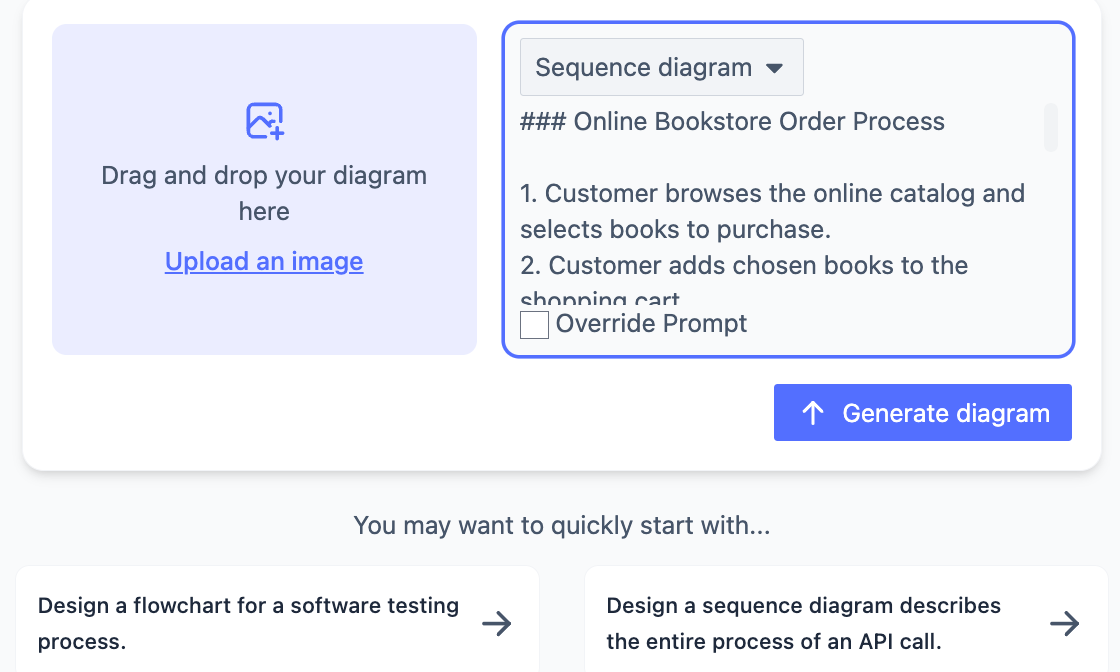
Full text:
### Online Bookstore Order Process

1. Customer browses the online catalog and selects books to purchase.
2. Customer adds chosen books to the shopping cart.
3. Customer proceeds to checkout and provides shipping information.
4. Customer selects payment method and enters payment details.
5. System validates payment information.
6. If payment is approved, system generates order confirmation.
7. Warehouse receives order details and prepares shipment.
8. Shipping department processes the package and generates tracking number.
9. Customer receives email with order confirmation and tracking information.
10. Package is shipped to the customer.
11. Customer receives the package and order is completed.
Generate with One Click!
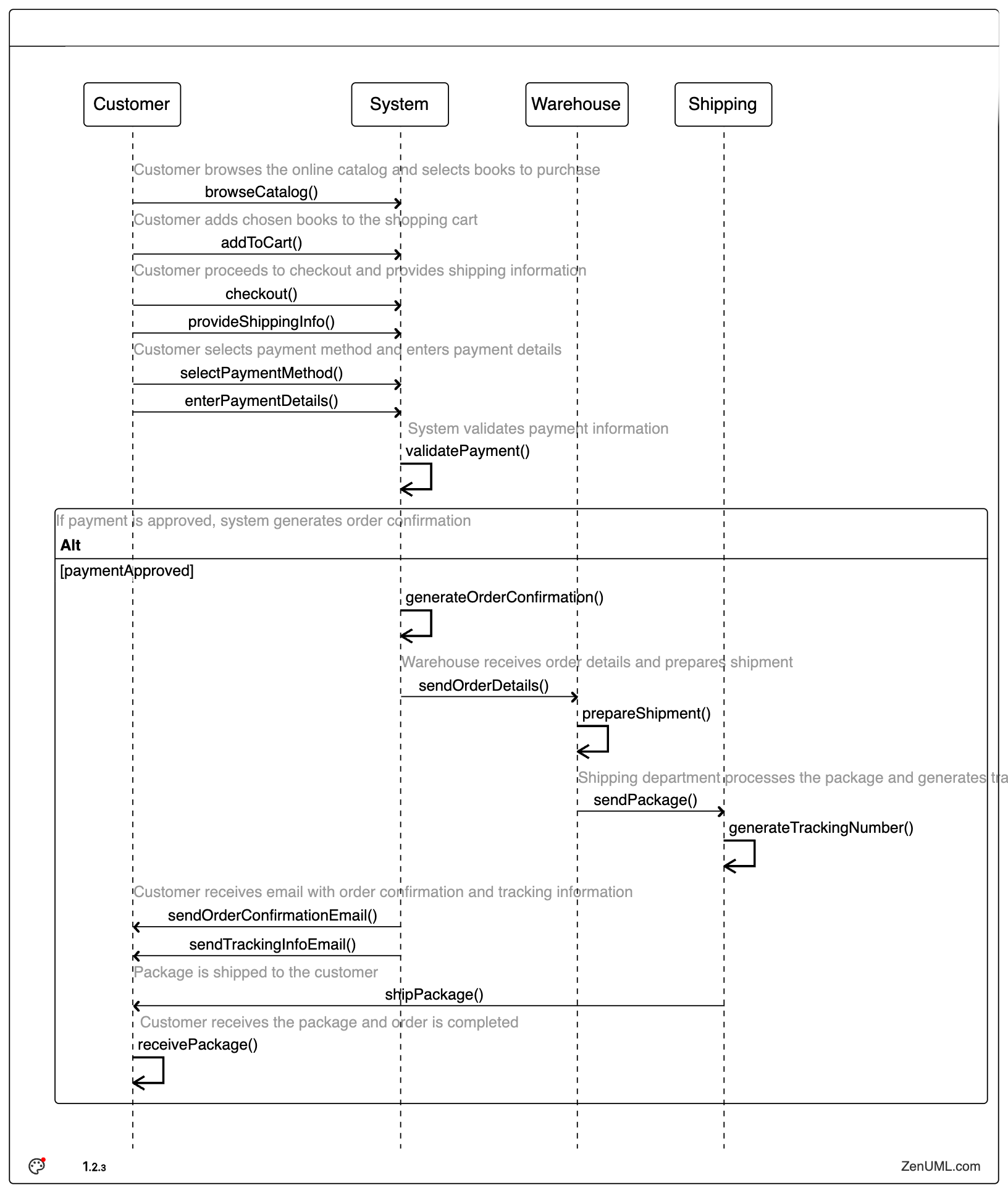
Now you have a fully virtualized sequence diagram.
We are working on generate diagram(s) from a full documentation or online article. See Roadmap for more.
Last updated on